
Cloud Hosting And Migration
TST offers cloud hosting and migration support. Review application requirements, access, connectivity, and vendor responsibilities before deciding what to move.
Cloud, backup & disaster recovery
A schedule, an image, a patient record: each supports a different part of the clinical day. Build a cloud and recovery plan around what your practice needs to access, restore, and keep moving.
Specialty Healthcare IT Since 2007 Organizations Across 43 States
At a glance
Backup creates a recoverable copy of data. Disaster recovery plans how applications and infrastructure will be restored after a disruption. For healthcare, those decisions need to account for practice software, imaging, access, and vendor dependencies. TST provides cloud hosting, automated backups, cloud migration, and business continuity planning for organizations evaluating that bigger picture.
Bring storage, applications, and operational priorities into one conversation before deciding what belongs in the cloud and how it should be recovered.
TST offers cloud hosting and migration support. Review application requirements, access, connectivity, and vendor responsibilities before deciding what to move.
Start with a defined inventory of the data to protect and discuss backup frequency, retention, access, and monitoring.
Connect recovery priorities with the infrastructure and application dependencies behind them.
Discuss how the team would communicate and handle essential work while systems are unavailable.
Start with the clinical day
Your recovery sequence should reflect the way your practice works. Use these questions to begin setting priorities together.
Identify the application, sign-in, and connection needed to coordinate the day.
Map records and imaging to the systems and vendors that make them usable.
Consider downstream tasks such as documentation, billing, and reconciliation.
What an accountable IT relationship feels like
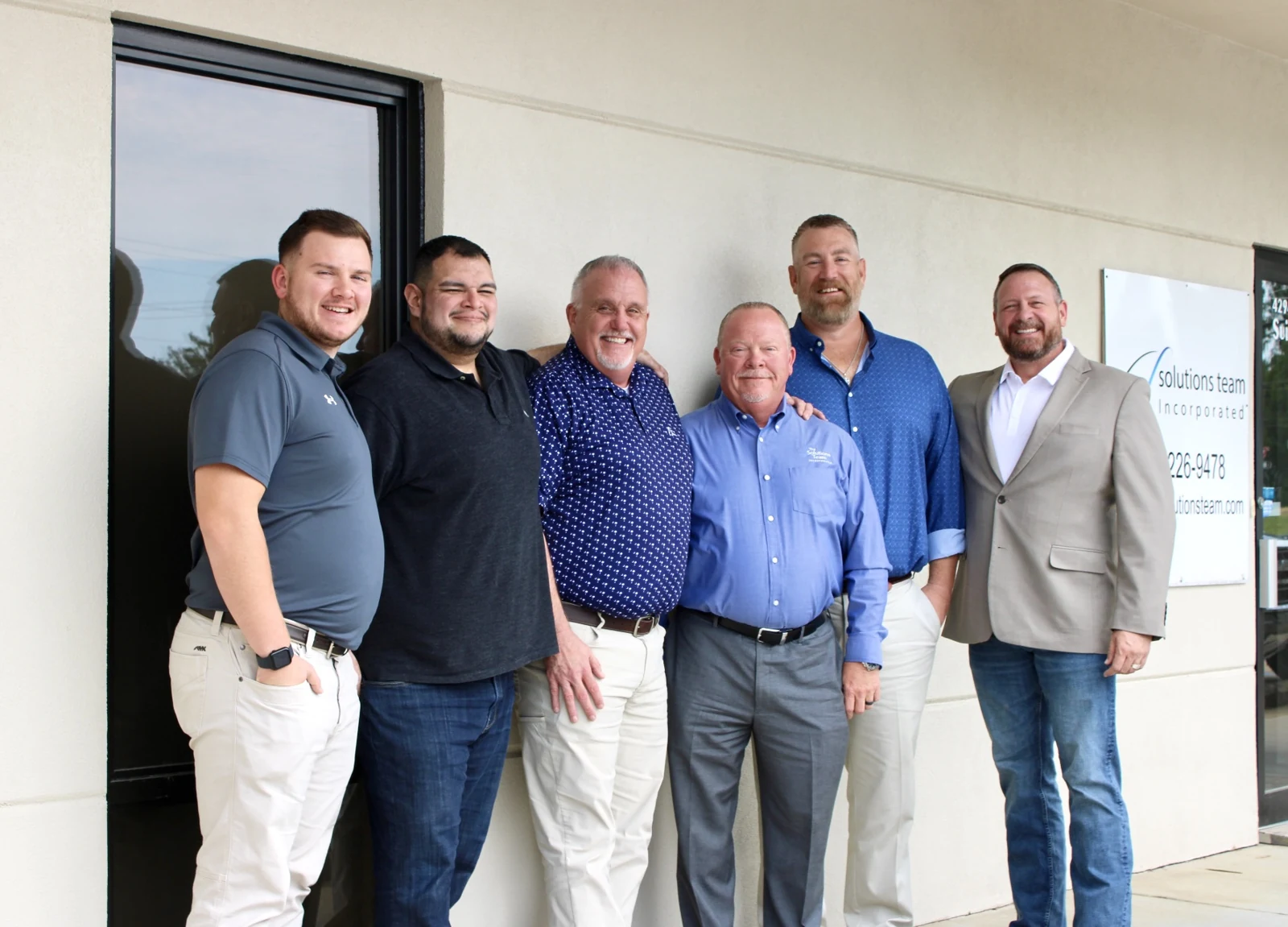
“The value of The Solutions Team is that it is all under one umbrella. They are a complete A to Z, all-inclusive support for your practice for I.T.”
Map the systems and information your practice needs most.
Discuss targets, responsibilities, and the order of restoration.
Define how recovery will be checked and how the plan will be updated.
You do not need a finished specification. Bring the questions your team needs answered.
Evaluate a recovery proposal against your practice’s priorities, not storage capacity alone.
List practice databases, imaging, shared files, cloud applications, and the infrastructure each depends on. Identify what a software vendor protects and what remains the practice’s responsibility. Ask how exclusions and newly added systems will be documented.
A recovery point objective (RPO) identifies the point in time to which data needs to be restored. A recovery time objective (RTO) sets the target time for recovery. Agree on targets for each critical system, then discuss the dependencies and testing needed to evaluate them.
NIST recovery terminologyAsk for the restore-testing scope, frequency, and way results are reviewed. Include application access and staff validation in the discussion. A backup job completing and a clinical workflow being usable are different things to verify.
Have a question about your practice?
Book A ConversationNo. Hosting describes where an application or data runs. Backup provides a separate recoverable copy. Review the hosting agreement to understand backup coverage, retention, access, and recovery responsibilities.
Recovery point objective concerns how far back in time data may need to be restored. Recovery time objective concerns the target time to recover a system. Both should be agreed for the specific systems and conditions in your plan.
Do not assume that it does. Review the vendor agreement for protected data, retention, restore options, and responsibilities. Include any connected local systems or information held outside that application.
That depends on the applications, storage, infrastructure, and vendor requirements. Discuss those connections as one workflow so the plan addresses usable systems as well as restored files.
A useful proposal accounts for protected systems, data volume, retention, recovery targets, and the work needed to maintain and validate the plan. Ask how storage growth and additional locations affect the scope.
A backup does not prevent an outage or attack. It supports recovery when protected copies are available and usable. Security controls, recovery planning, and validation each address different parts of the risk.
Let’s start with your critical systems and the recovery questions you need answered.