
Before The Patient Arrives
Scheduling, referrals, and practice management systems need to keep your front desk and clinical team working from the same information.
Oral & maxillofacial surgery (OMS)
Give your OMS team one accountable IT partner for practice management, imaging, and the connections behind a full surgical schedule. From referral intake to another location, support should follow the way your practice works.
USOSMRecognized By US Oral Surgery Management
Read The Recognition Story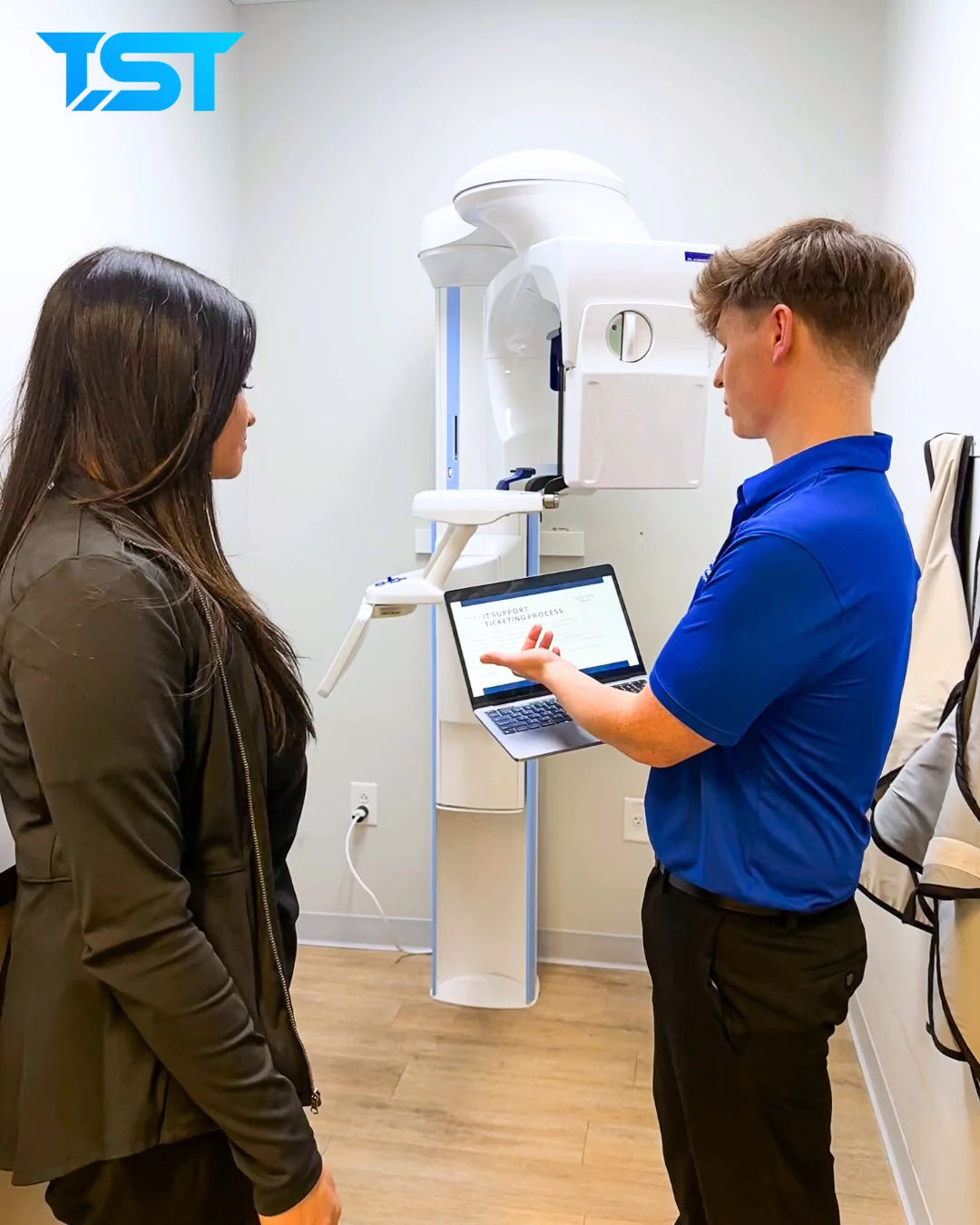
At a glance
Oral and maxillofacial surgery (OMS) IT support brings practice management, digital imaging, clinical workstations, networks, access controls, and recovery into a coordinated plan. The Solutions Team supports the infrastructure and vendor relationships behind these workflows. The scope should account for imaging storage, referring-provider communications, and consistent support across surgical offices.
Follow the clinical day
Connect surgical workflows, diagnostic imaging, and the systems behind an OMS practice.
Scheduling, referrals, and practice management systems need to keep your front desk and clinical team working from the same information.
Imaging workstations, storage, and software connections belong in the same support plan as the rest of your practice technology.
Reliable workstations, network connections, and access to practice applications help keep technology issues from becoming the staff’s next task.
A consistent approach to access, equipment, and support helps providers and staff work across a growing organization.
Let’s connect those daily frustrations to a practical support plan.
We start with the systems you actually use, including how practice management and imaging applications connect to devices, networks, and your team. Platforms such as DSN and Carestream belong in that conversation alongside your software and equipment vendors.
Your applications. Your equipment.
One coordinated conversation.
From An Oral Surgery Practice
Practice Administrator David Nye describes the difference TST made for a team spanning multiple surgeons, staff members, and locations.
“TST manages our 6 surgeons, 4 locations, 70 staff and 85+ desktops, servers, and phones. TST has dramatically changed our practice for the better after dealing with local firm after local firm in SC and Georgia that just could not get it right.”

“You guys are great and respond very quickly.”
“Such a joy to work with everyone there. Thank you”

New providers and locations should become part of the same technology plan.
Define the equipment, access, and systems each location needs.
Give teams a consistent way to get help as your organization grows.
Bring IT into new-location and acquisition conversations early.
Let’s connect your next location, acquisition, or new provider to a shared IT plan.
A practice needs more than a list of supported devices. Discuss the connections that affect scheduling, imaging, treatment, and expansion.
Identify your practice management and imaging platforms, the devices they depend on, where images are stored, and the vendors responsible for application support. For platforms such as DSN and Carestream, review the actual configuration and vendor agreements. TST coordinates infrastructure and vendor responsibilities around your systems; the scope should identify who handles application-specific issues.
Ask which systems are backed up, how recovery is planned, and who coordinates with the application vendor. A backup copy and a workable recovery plan address different needs. Discuss the order in which critical systems should be restored and agree on recovery expectations for your practice.
Review TST’s backup and recovery inclusionsReview the new practice’s equipment, applications, access, and vendor agreements before standardizing systems. Decide what can be shared across the group and what must stay specific to that location. Document support contacts and staff access so the new team has a clear path to help.
Explore managed IT for a growing organizationHave a question about your practice?
Book A ConversationAn IT review starts with the systems you use today. Replacing practice management software is a separate decision that should account for clinical workflows, vendor requirements, data migration, and staff training. Discuss infrastructure and support improvements before assuming a platform change is needed.
Review device setup, user access, backup arrangements, vendor contacts, and the way staff request help. Identify shared standards while documenting differences in imaging equipment and practice software at each office. That gives the group a practical starting point for a coordinated support plan.
An oral surgery practice connects front-desk workflows, practice management applications, digital imaging, and clinical workstations. Supporting those connections requires understanding how technology fits into the patient’s visit and how software and equipment vendors share responsibility.
TST can review the devices, network, access, storage, and vendor dependencies around your applications. We discuss your specific platforms and agree on support responsibilities with your software and equipment providers.
Yes. TST works with specialty healthcare organizations, including US Oral Surgery Management, which recognized TST as its inaugural MSP MVP. The service approach can account for multiple providers and locations.
Start with an assessment of the new location’s systems, equipment, access, and vendor agreements. From there, build a transition plan that brings the location into your organization’s technology standards.
Let’s talk about the technology behind your practice, your people, and your next stage of growth.